Connecting to Notion
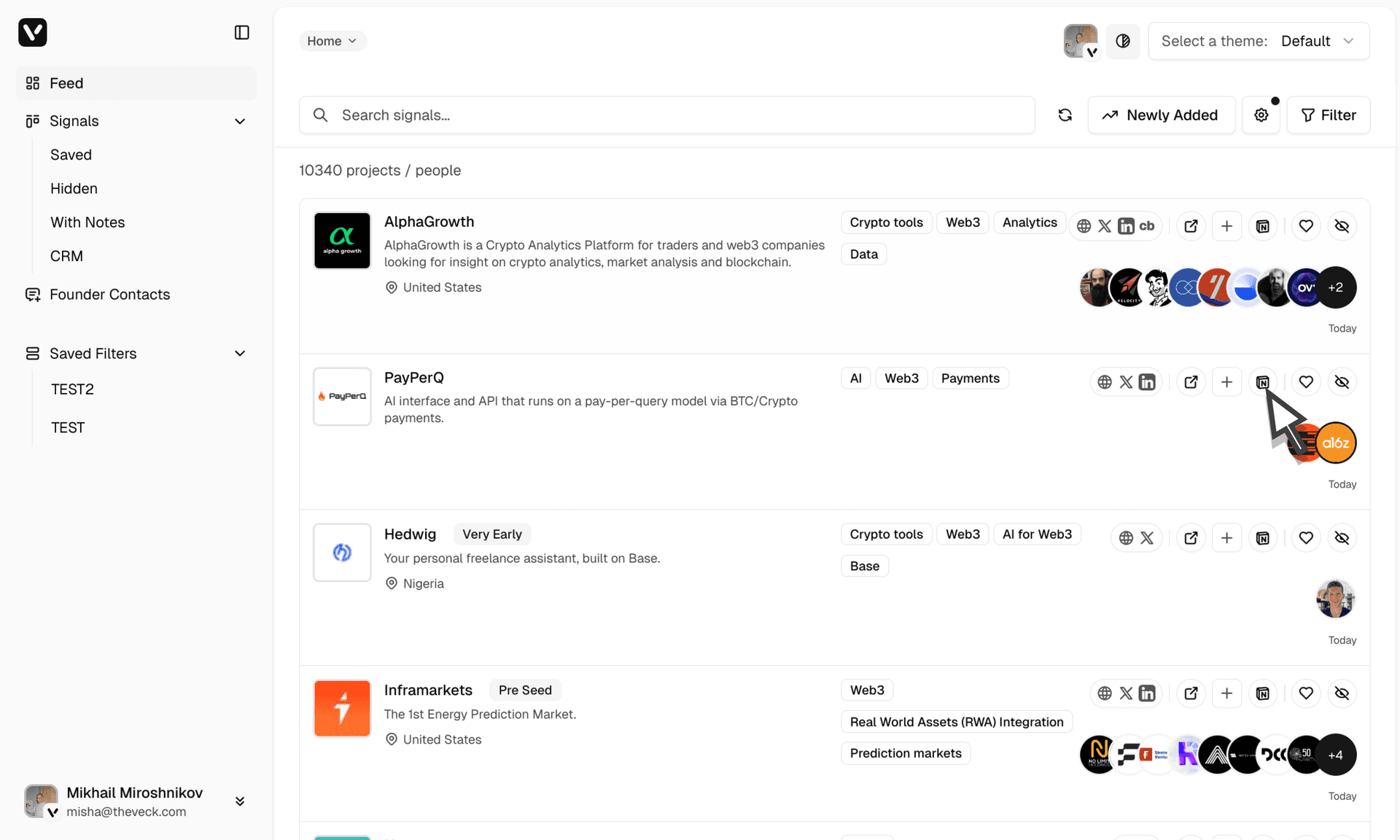
Send projects you're interested in to Notion databases and pages.
Overview
The Notion connector lets you send Veck signal cards to Notion databases or pages.
Setup
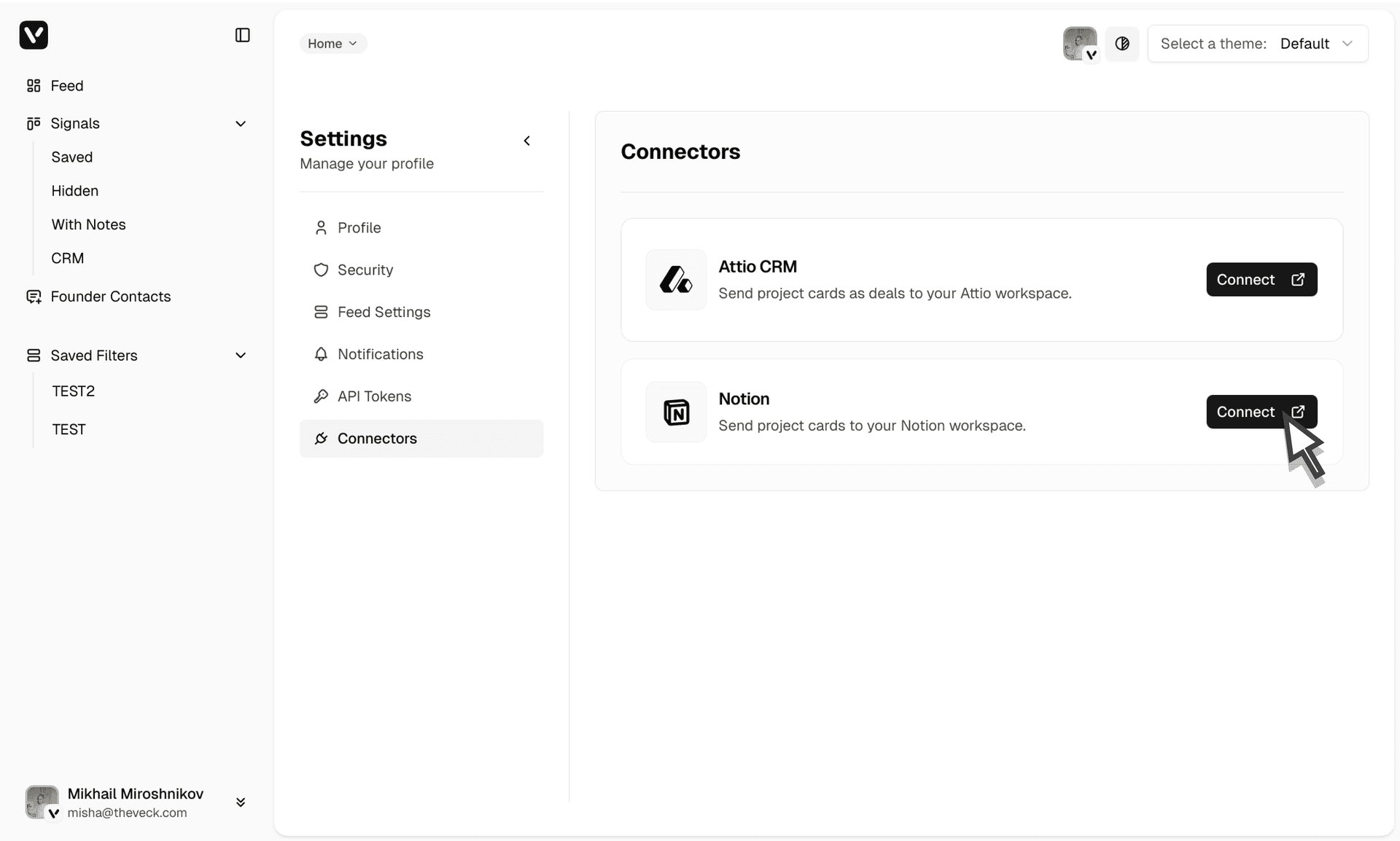
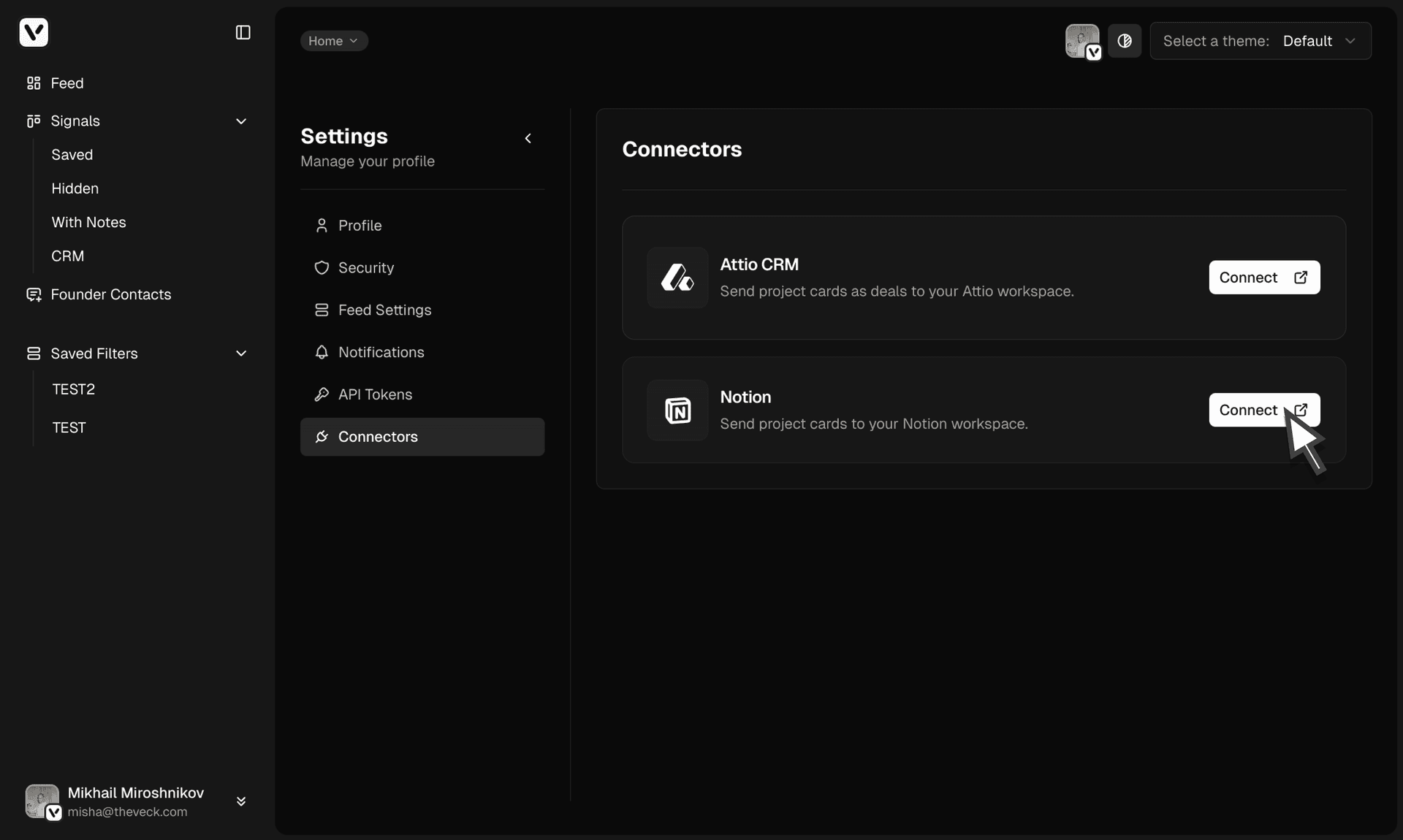
Go to profile settings, Connectors section.
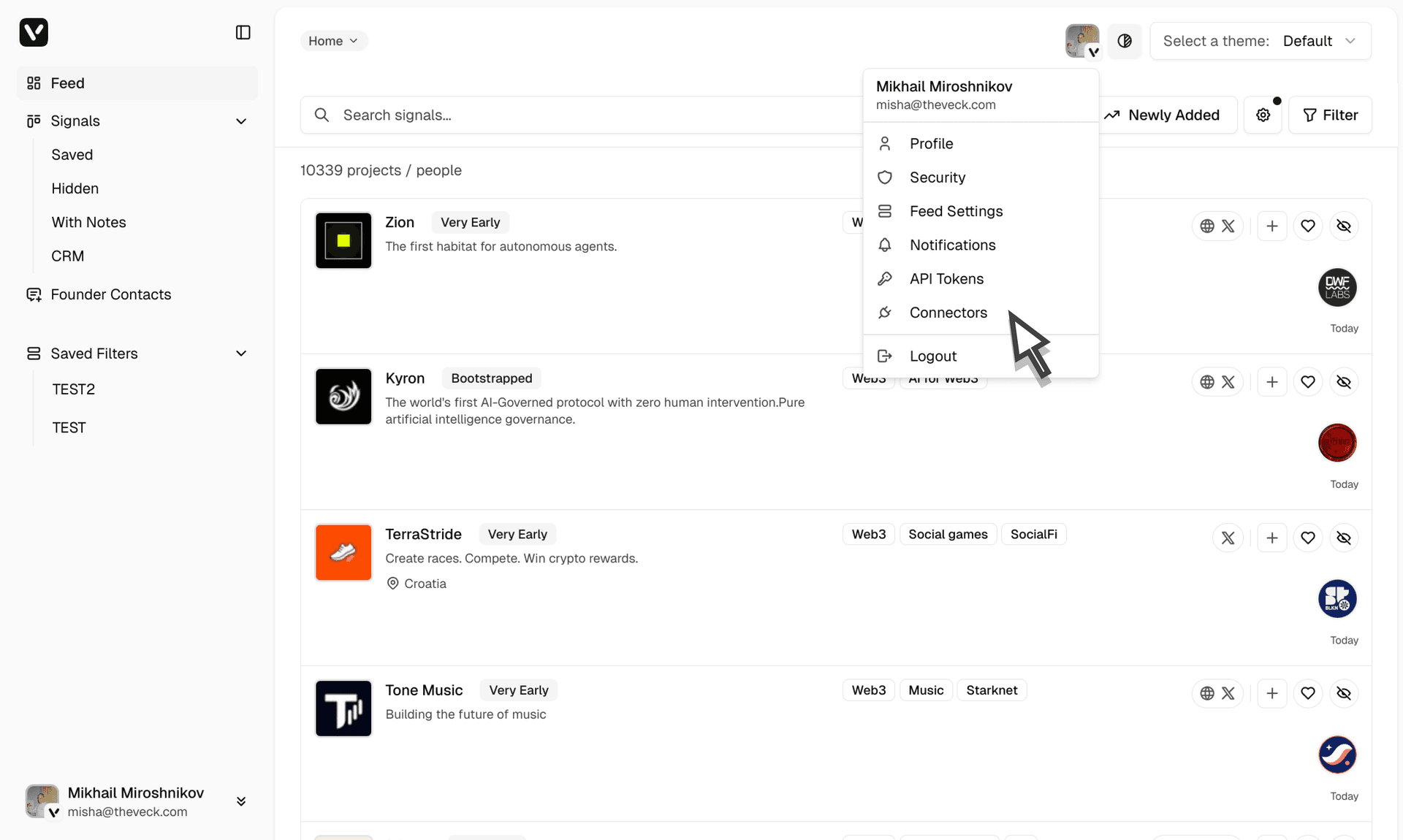
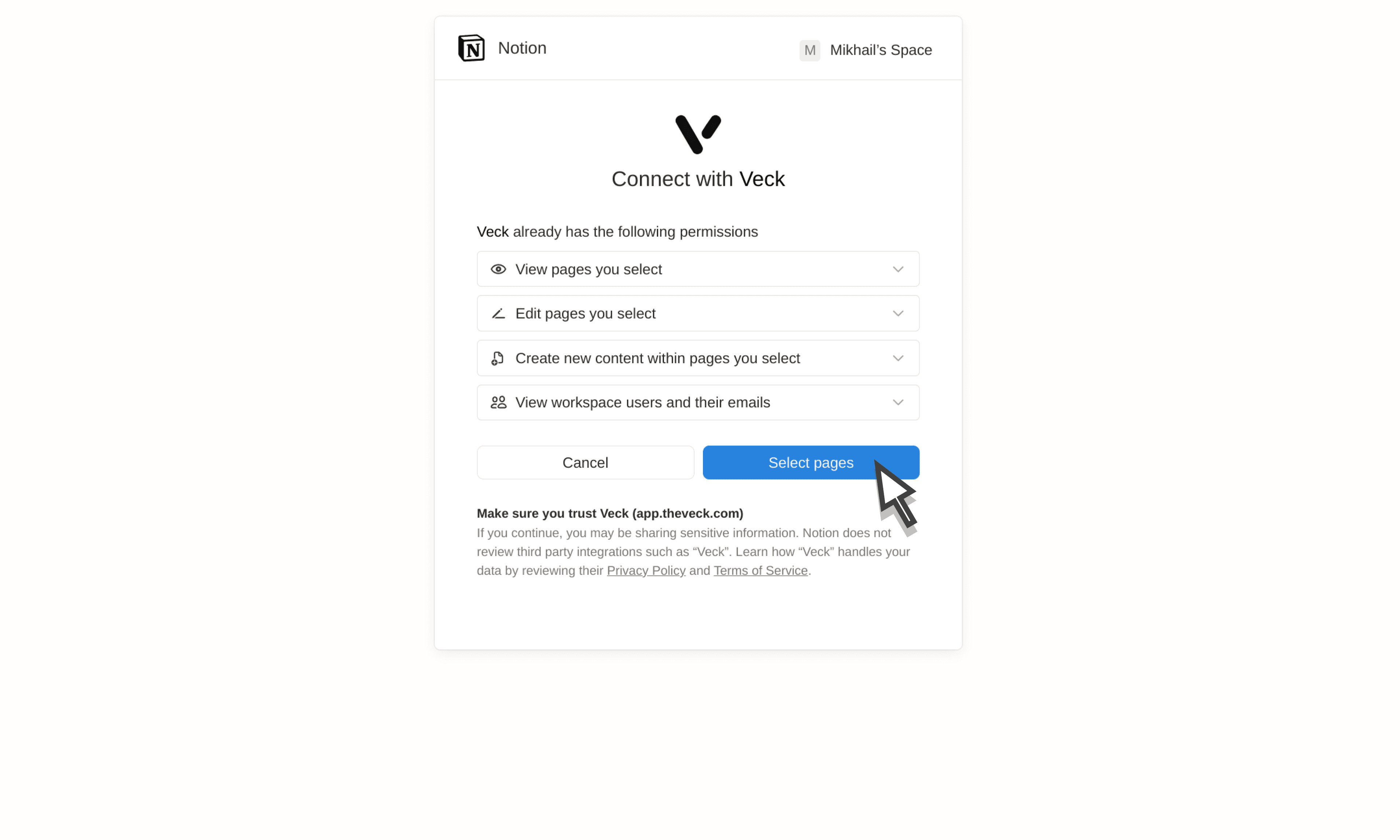
Click Connect and select the Notion pages or databases to connect.
Configure field mapping from Veck to Notion in the format you prefer and save changes.
Send your projects directly from Veck to Notion.