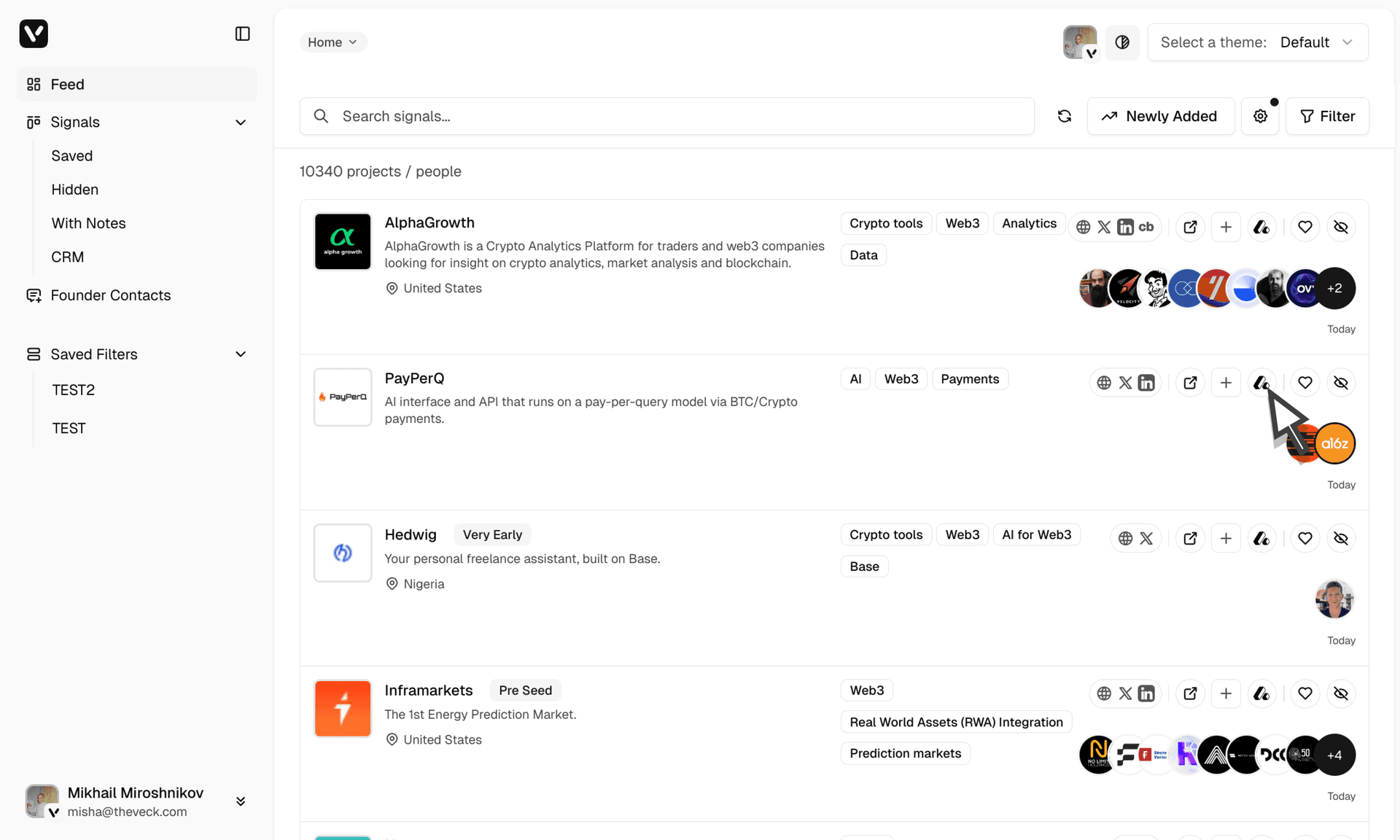
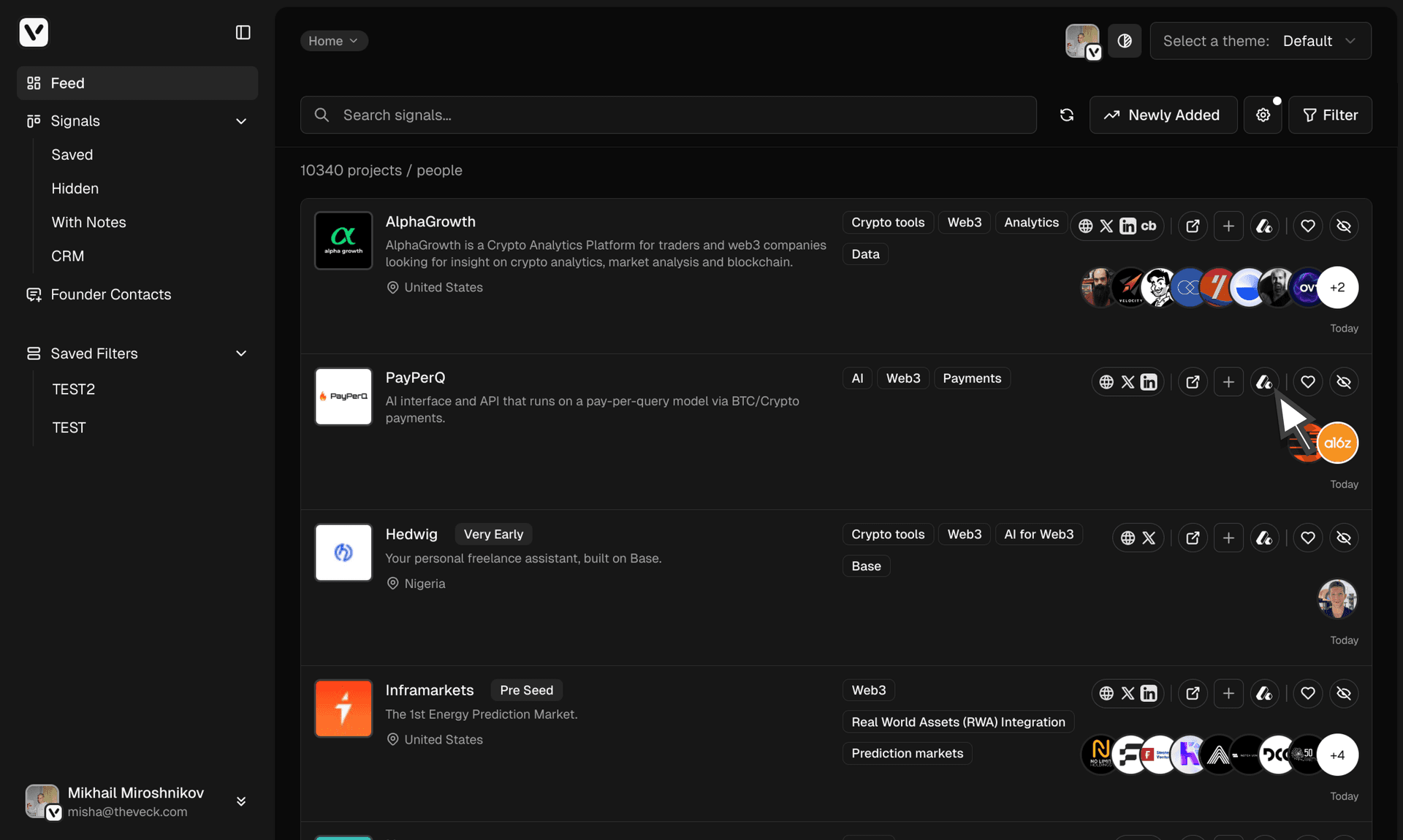
Connecting to Attio
Send companies and people to Attio to create deals.
Overview
The Attio connector lets you send companies and people to Attio to create deals from your Veck data.
Setup
Go to profile settings, Connectors section.


Click Connect and select a workspace in Attio.


Configure how to send your deals and which lists to add people and companies to.
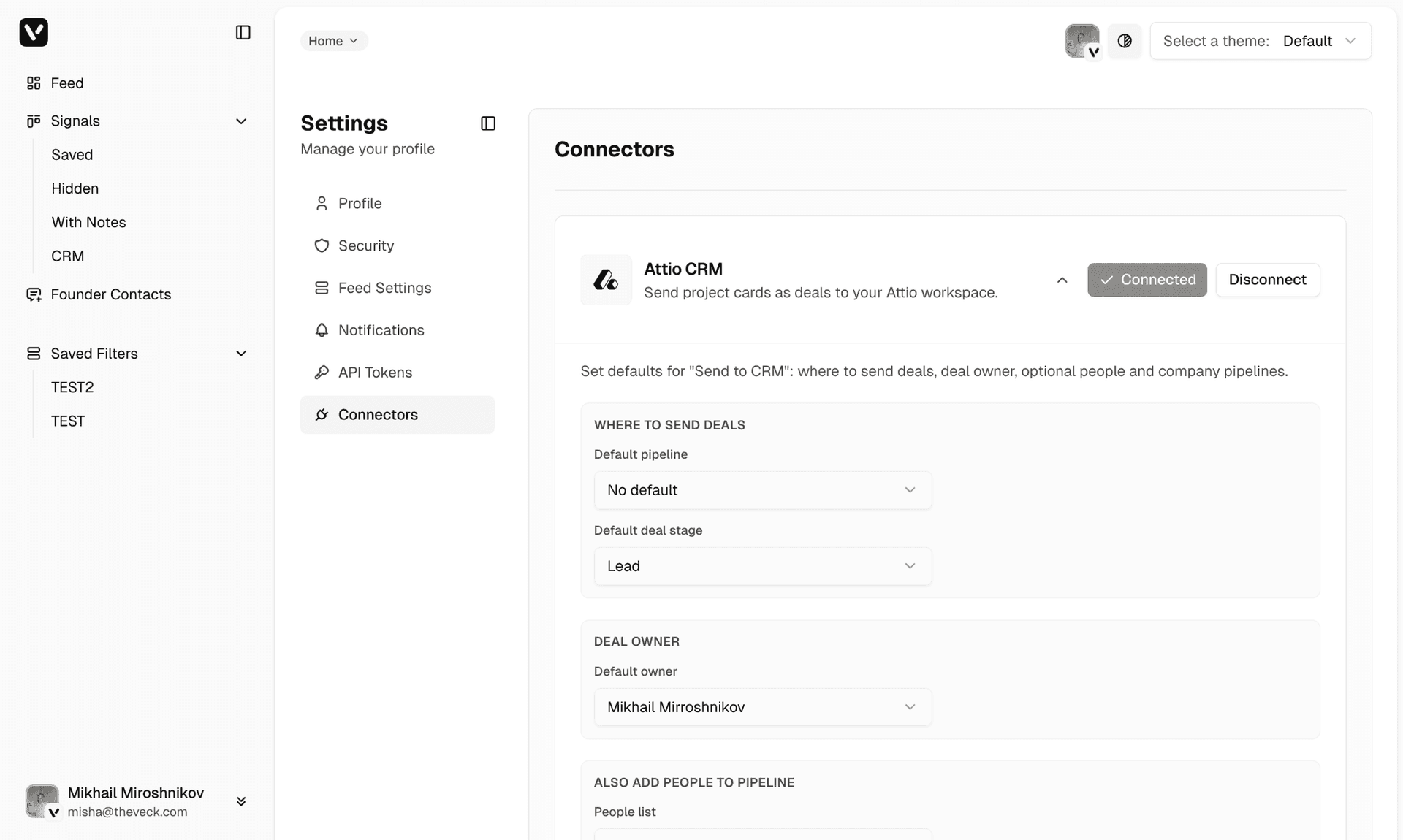
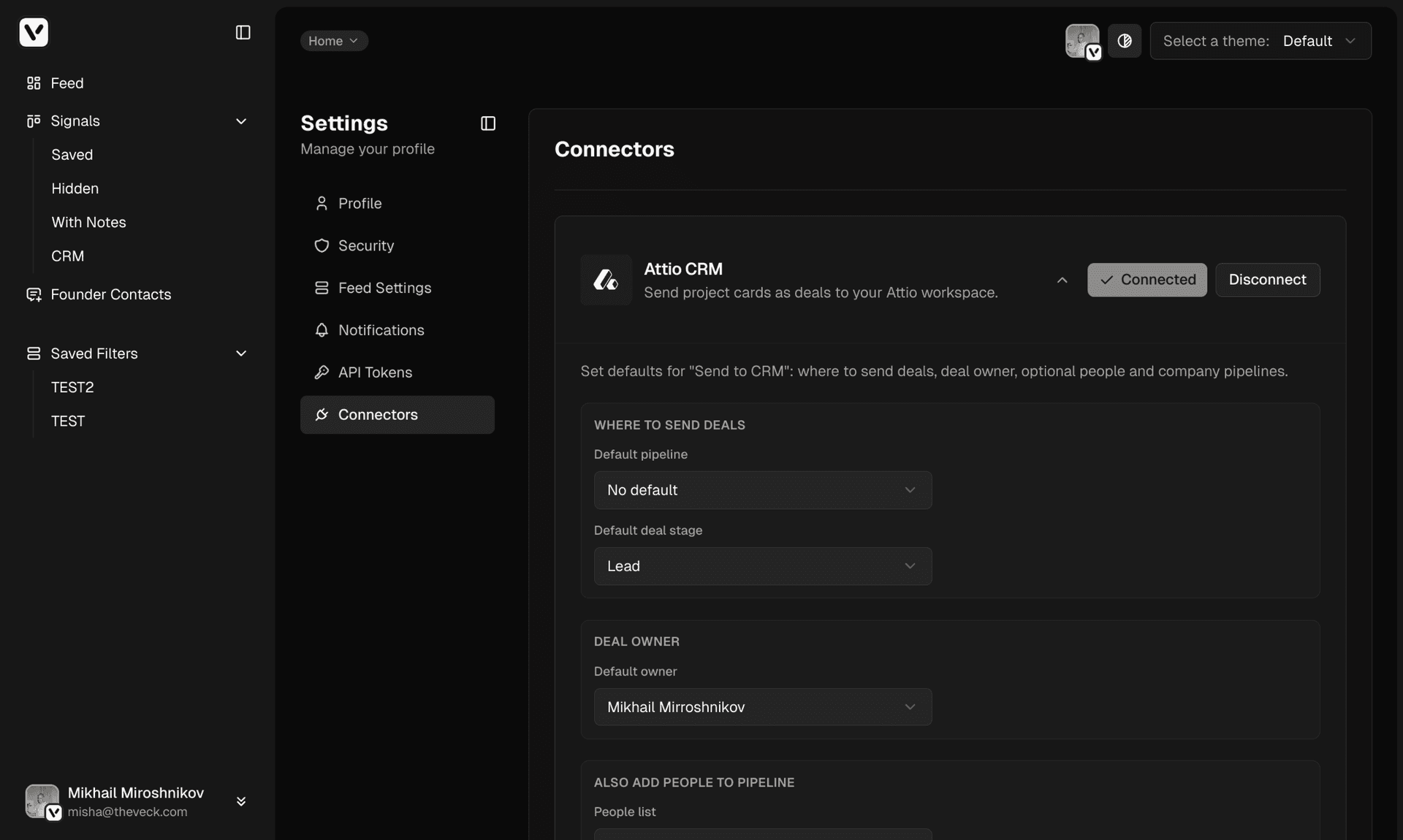
Simply send found projects as deals to your workspace.